
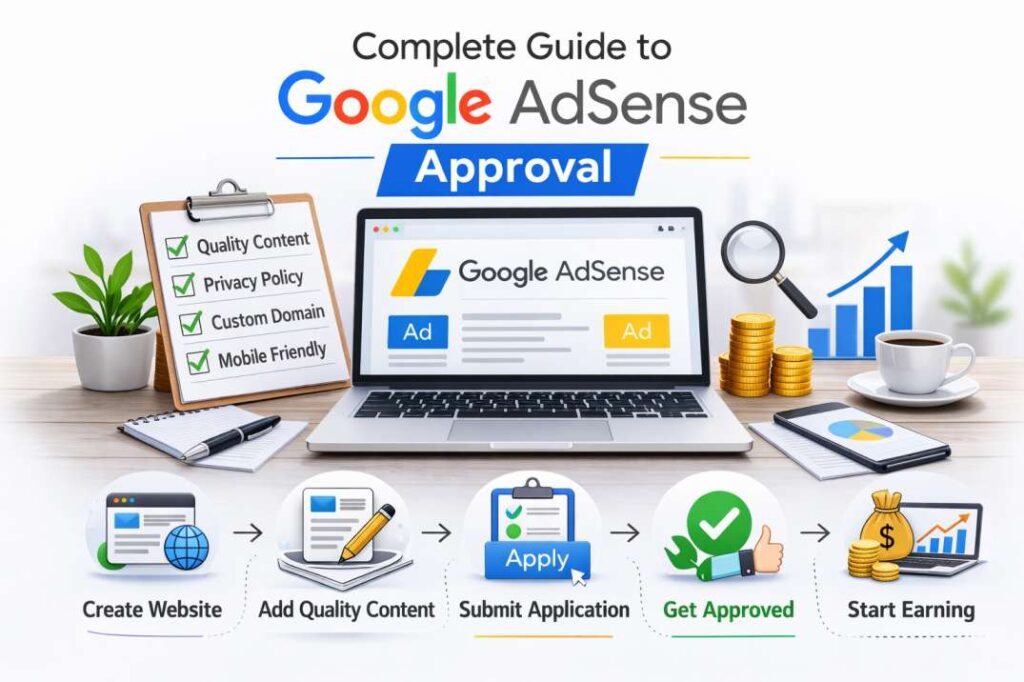

Complete Guide to Google AdSense Approval
Google AdSense is an advertising program created by Google that allows website owners and bloggers to earn money by displaying ads on their websites. It connects publishers (website owners) with advertisers who want to promote their products or services online.
Once your website is approved, Google automatically displays relevant ads based on your content and the interests of your visitors. The system uses contextual targeting, meaning ads are shown according to the keywords and topics on your pages. This ensures that visitors see ads that match their existing search queries, increasing the likelihood of engagement.
AdSense is one of the most popular monetization methods because it is beginner-friendly, free to join, and easy to manage. You do not need to contact advertisers directly; Google handles everything from ad placement to payments.
How AdSense Makes You Money
AdSense primarily works on two earning models: Cost Per Click (CPC) and Cost Per Thousand Impressions (CPM).
- CPC (Cost Per Click): You earn money when a visitor clicks on an ad displayed on your website.
- CPM (Cost Per Mille): You earn money based on the number of impressions (views) the ads receive.
Your earnings depend on factors such as niche, traffic quality, audience location, and advertiser competition. For example, finance, insurance, and technology niches usually have higher CPC rates compared to entertainment or general blogs.
Payments are issued once you reach the minimum payment threshold. Google tracks clicks and impressions automatically, and you can monitor performance through your AdSense dashboard.
Types of Ads Available in AdSense
Google AdSense offers different ad formats to suit various website layouts:
- Display Ads: Banner-style ads that appear in headers, sidebars, or within content.
- In-Article Ads: Native ads placed between paragraphs.
- In-Feed Ads: Ads that blend into blog feeds or listing pages.
- Multiplex Ads: A grid-style ad format showing multiple ads together.
- Auto Ads: Automatically placed ads using Google’s AI optimization.
Choosing the right ad format improves user experience and increases revenue potential.
Google AdSense Approval Requirements
Minimum Age Requirement
To apply for Google AdSense, you must be at least 18 years old. If you are under 18, you can ask a parent or guardian to apply using their account details. Providing accurate personal information during registration is crucial to avoid account suspension later.
Website Ownership & Control
You must own and fully control the website you submit for approval. This means:
- You have access to edit the website’s code.
- You can insert the AdSense verification code.
- The domain is active and functional.
Free blogging platforms may work, but having a custom domain increases trust and approval chances.
Supported Countries & Languages
Google AdSense is available in many countries worldwide. However, your website content must be written in a supported language. Make sure your primary language is clear and consistent across the site.
Publishers from regions such as Asia, Europe, and North America can apply, provided they comply with AdSense policies. Always review the officially supported country and language list before applying.
Content Quality Guidelines
Content quality plays a major role in approval. Your website must provide:
- Original and valuable information
- Clear structure and readability
- No copied or auto-generated material
- No misleading or harmful content
Thin content, duplicate articles, or poorly written posts often lead to rejection. Focus on solving real problems for readers.
Traffic Requirements (Is Traffic Necessary?)
There is no official minimum traffic requirement for AdSense approval. However, having consistent organic traffic improves credibility. Even with low traffic, you can get approved if your website demonstrates high-quality content and proper structure.
Instead of focusing only on traffic numbers, prioritize content depth, user experience, and niche relevance.
You might also like this: Axurbain Review 2026
Essential Pages Required for AdSense Approval
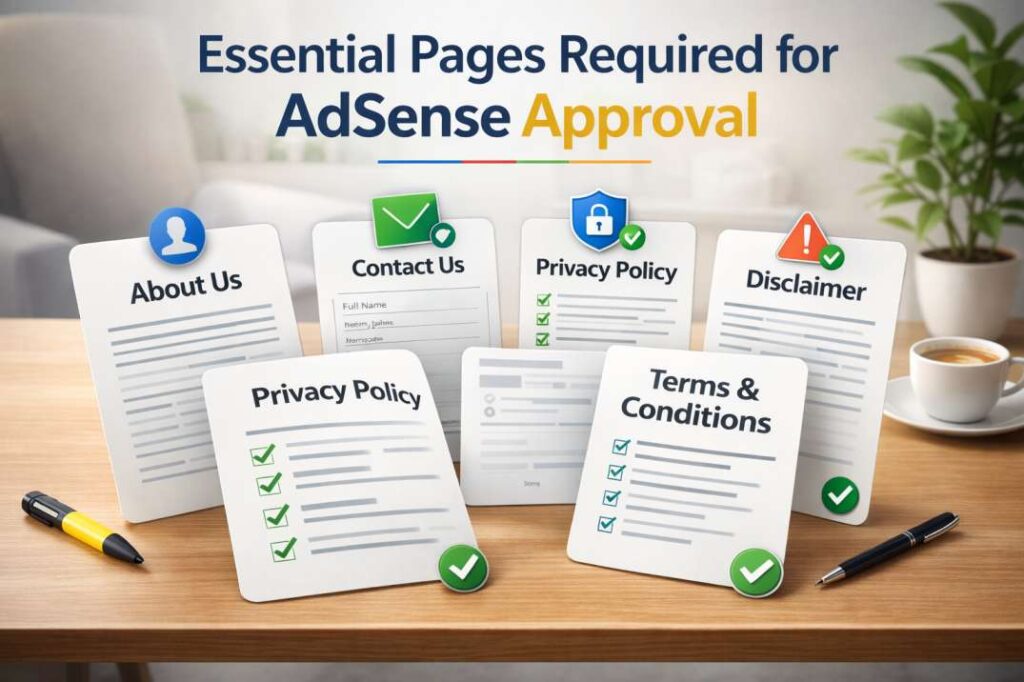
About Us Page
An About Us page builds trust by explaining who you are, what your website offers, and your mission. It helps Google understand your website’s purpose and adds authenticity.
Include details about your expertise, goals, and the type of content you publish.
Contact Us Page
A Contact Us page shows transparency. Provide a professional email address or contact form so users and advertisers can reach you easily. Lack of contact information may reduce approval chances.
Privacy Policy Page
A Privacy Policy page is mandatory. It informs visitors about how you collect, use, and protect their data. Since AdSense uses cookies to serve ads, your privacy policy must clearly mention third-party advertising and data tracking.
You can generate a policy template and customize it according to your website.
Disclaimer Page
A Disclaimer page protects you legally by clarifying that your content is for informational purposes only. This is especially important for niches like health, finance, or legal advice.
It limits liability and builds transparency with your audience.
Terms and Conditions
Terms and Conditions outline the rules users must follow when accessing your website. It defines intellectual property rights, acceptable usage, and limitations.
Having this page makes your website appear professional and complete.
Content Guidelines to Get Approved Fast
Minimum Number of Articles
While there is no fixed rule, publishing at least 15–30 high-quality articles improves approval chances. Each article should provide in-depth information and genuine value.
Avoid publishing too few posts or rushed content just to meet a number.
Ideal Article Length
Long-form articles (800–1,500 words) tend to perform better. Detailed content signals authority and expertise. However, length alone is not enough; quality and relevance matter more.
Ensure each post fully answers the topic it targets.
Original & Plagiarism-Free Content
Your content must be 100% original. Copied or spun articles violate AdSense policies and may lead to rejection or permanent bans.
Write unique insights, use personal experiences where possible, and avoid duplicate material from other websites.
Avoiding Prohibited Content Categories
Google strictly prohibits certain types of content, including:
- Adult or explicit material
- Illegal activities
- Copyright infringement
- Hate speech or violence.
- Misleading claims
Review AdSense content policies carefully before applying.
Proper Use of Images & Copyright Rules
Use royalty-free or self-created images only. Do not copy images from other websites without permission. Optimize images for speed and add proper alt text for SEO benefits.
Website Design & Technical Requirements
Getting approved by Google AdSense is not only about publishing quality content. Your website design and technical structure play a major role in the approval process. A professional, user-friendly, and technically optimized website signals trust and credibility to both users and search engines. Below are the most important website design and technical requirements you must meet before applying.
Mobile-Friendly & Responsive Design
Today, most internet users browse websites using smartphones. If your site is not mobile-friendly, you risk losing both visitors and AdSense approval.
A responsive design automatically adjusts your website layout according to different screen sizes, including mobile phones, tablets, and desktops. Text should be readable without zooming, buttons should be easy to tap, and images should resize properly.
Search engines prioritize mobile usability, and so does Google. If your website looks broken or cluttered on smaller screens, it may be considered low quality. Choose a clean, responsive theme and test your website on multiple devices before applying for AdSense.
Fast Loading Speed
Website speed directly impacts user experience. Slow-loading pages frustrate visitors and increase bounce rates. A fast website not only improves SEO rankings but also increases your chances of AdSense approval.
To improve loading speed:
- Compress and optimize images
- Use lightweight themes
- Minimize unnecessary plugins
- Enable browser caching
- Use reliable hosting services.
Ideally, your pages should load within 2–3 seconds. Fast websites create a smooth browsing experience, which is exactly what AdSense reviewers look for.
Clear Navigation Structure
Your website must have a clear and organized navigation structure. Visitors should easily find categories, blog posts, and important pages without confusion.
Use a simple menu layout that includes:
- Home
- Blog or Categories
- About
- Contact
- Privacy Policy
Internal linking between related articles also improves user engagement. If your website looks messy or difficult to navigate, it may appear unprofessional and reduce approval chances.
Secure Website (HTTPS)
Security is a critical technical requirement. Your website must use HTTPS instead of HTTP. An SSL certificate encrypts user data and builds trust.
Most hosting providers offer free SSL certificates. Once installed, your website URL will display a secure padlock icon in the browser. AdSense prefers secure websites because they protect user privacy and provide a safer browsing experience.
You might also like this: Miuzo Explained
Step-by-Step Process to Apply for AdSense
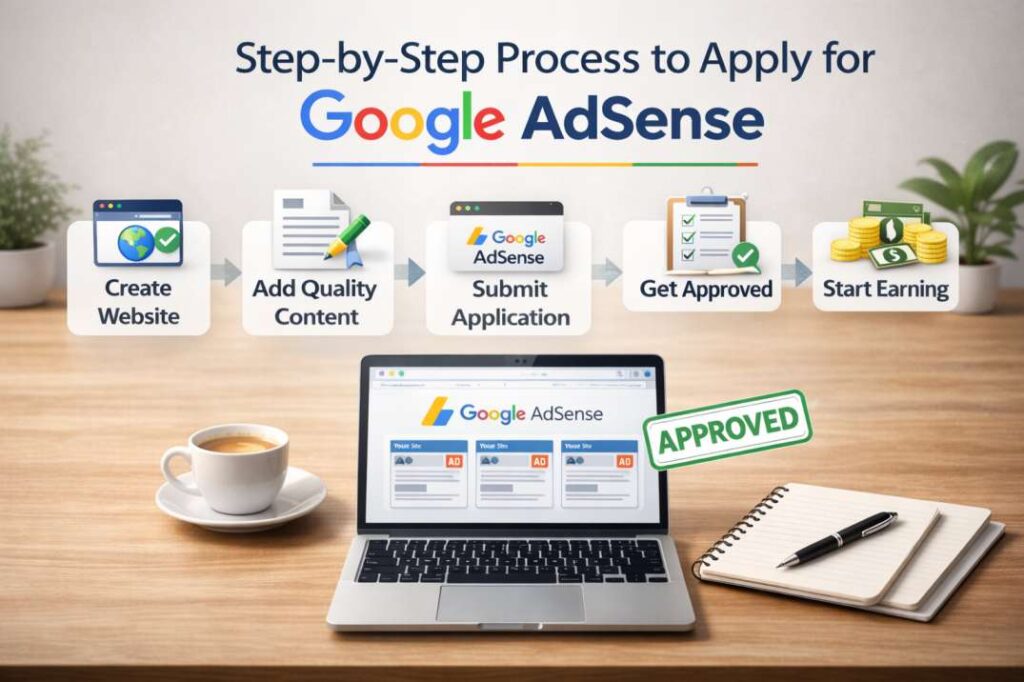
After optimizing your website design and content, the next step is applying for AdSense.
Creating a Google Account
To apply, you need a Google account. If you already use Gmail, YouTube, or other Google services, you can use the same account.
Make sure your account details are accurate, including your name and country. Incorrect information can delay payments or cause account issues later.
Signing Up for AdSense
Visit the official AdSense website and click on the sign-up option. Enter your website URL, email address, and preferred payment country.
During registration, you must agree to AdSense policies and terms. Read these carefully to understand what type of content and behavior is allowed.
Once submitted, Google will provide you with a unique verification code.
Submitting Your Website for Review
After registration, you must submit your website for review. This involves placing the AdSense verification code into your website’s HTML, usually in the header section.
Google then begins evaluating your website. During this phase, reviewers check:
- Content quality
- Website structure
- Policy compliance
- User experience
Avoid making major changes to your website while it is under review.
Adding AdSense Code to Your Website
If your application is approved, you can generate ad units from your AdSense dashboard. You will receive an ad code that must be placed in specific areas of your website.
You can manually insert the code into your theme files or use plugins if you are using a content management system. Once placed, ads will start appearing automatically.
Common Reasons for AdSense Rejection
Many applications are rejected due to avoidable mistakes. Understanding common rejection reasons helps you fix issues before applying.
Thin or Low-Quality Content
Thin content refers to short, poorly written, or unhelpful articles. Pages with very little information or copied content are often rejected.
Focus on publishing detailed, informative, and well-structured articles. Each post should solve a specific problem or provide clear value to readers.
Insufficient Content
Websites with only a few blog posts may be considered incomplete. Even if the content is good, too little material can signal that the site is not ready for monetization.
Publish a solid foundation of content before applying. Aim for multiple in-depth articles across different relevant topics within your niche.
Policy Violations
Violating AdSense policies is one of the most serious reasons for rejection. Prohibited content includes adult material, illegal activities, misleading claims, and harmful content.
Always review official policy guidelines and remove any questionable content before submitting your application.
Copyrighted Material
Using copyrighted text, images, or videos without permission can lead to rejection. Google values originality and respects intellectual property rights.
Only use royalty-free images or content you have created yourself. Always give credit where necessary.
Poor Website Structure
A cluttered layout, broken links, excessive pop-ups, or confusing navigation can harm your approval chances.
Ensure your website looks professional, organized, and easy to use. Clean design builds trust with both users and reviewers.
How Long Does AdSense Approval Take?
One of the most common questions beginners ask is how long the approval process takes.
Average Review Time
AdSense approval usually takes between a few days and two weeks. In some cases, it may take longer depending on the number of applications and the complexity of your website.
Patience is important during this stage.
What Happens During Review
During the review process, Google analyzes your website’s content, design, traffic sources, and compliance with policies.
Both automated systems and manual reviewers may be involved. They assess whether your website provides genuine value and follows all advertising guidelines.
How to Check Application Status
You can check your application status by logging into your AdSense account. The dashboard will display whether your site is under review, approved, or rejected.
If rejected, carefully read the reason provided. Fix the issues, improve your website, and reapply once everything meets the required standards.
You might also like this: Best AI Tools for Content Creators
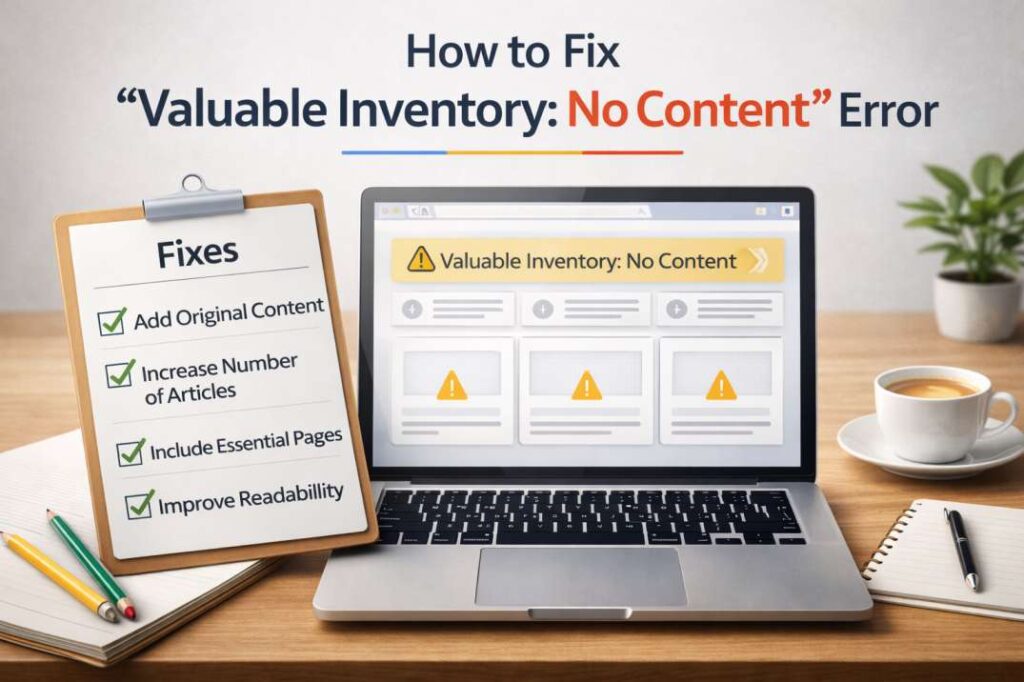
How to Fix “Valuable Inventory: No Content” Error
What This Error Means
The “Valuable Inventory: No Content” error is one of the most common reasons for Google AdSense rejection. This message indicates that your website lacks sufficient valuable content for Google to display ads. Essentially, it signals that AdSense reviewers could not find enough high-quality, original, or meaningful content on your pages. Thin articles, empty sections, or placeholder content often trigger this error. Even if your website has a professional design, content quality remains the core factor for approval.
How to Resolve It Step-by-Step
Resolving this error requires a systematic approach:
Audit Your Website: Check all pages to ensure they contain useful and informative content. Remove placeholders or unfinished posts.
Increase Content Volume: Publish at least 15–30 well-researched articles before reapplying. Articles should provide actionable value to readers.
Ensure Originality: Avoid copied or spun content. Use plagiarism checkers to confirm originality.
Add Essential Pages: Include About Us, Contact, Privacy Policy, and Disclaimer pages. These demonstrate website completeness.
Optimize Readability: Break content into headings, paragraphs, and lists for easy navigation. Add images with proper alt text.
Internal Linking: Link related posts to improve site structure and user engagement.
By systematically addressing these points, your website becomes ready for AdSense approval.
When to Reapply
After fixing the issues, it is recommended to wait until your website shows consistent content quality and user engagement. Reapplying too early, before substantial improvements, may lead to repeated rejection. Once you have sufficient original content, proper pages, and clear navigation, you can submit your website for review again. Patience and careful preparation are key to success.
Tips to Get AdSense Approval on First Attempt
Focus on a Specific Niche
Specializing in a specific niche improves your website’s authority and appeal to AdSense. A focused niche demonstrates expertise and helps generate consistent content. Popular niches like technology, health, finance, and tutorials often perform well. Avoid creating a generic blog with scattered topics, as it may reduce approval chances.
Publish High-Quality Long-Form Content
High-quality content is critical for approval. Long-form articles (800–1,500 words) provide depth and value. Include facts, examples, images, and infographics where possible. Google favors websites that help users solve problems and provide comprehensive information.
Maintain Consistent Posting Schedule
Consistency signals that your website is active and regularly updated. Posting at least one article per week keeps content fresh and encourages user engagement. A consistent schedule also demonstrates commitment to your site, which improves AdSense approval chances.
Avoid Free Hosting Platforms
While free platforms may work, AdSense prefers websites with custom domains. Free subdomains (like blogname.freehost.com) appear less professional and may reduce trust. Invest in a domain and reliable hosting to increase credibility and approval chances.
AdSense Policies You Must Follow After Approval
Invalid Click Activity
Never click your own ads or encourage others to do so. Google tracks click activity and considers artificial clicks as policy violations. Invalid click activity can result in account suspension or termination.
Ad Placement Policies
Place ads strategically without misleading users. Avoid placing ads too close to clickable elements, pop-ups, or disruptive positions. Ads must blend naturally while remaining visible, providing a good user experience.
Traffic Sources Guidelines
Ensure your traffic is organic or legitimately acquired. Paid traffic from unauthorized sources may violate AdSense policies. Avoid using bots or schemes to inflate page views, as these are strictly prohibited.
Account Suspension Risks
Failure to follow AdSense policies can lead to warnings or account suspension. Regularly review AdSense updates, maintain quality content, and avoid any prohibited practices to secure long-term revenue.
Alternatives If AdSense Rejects Your Website
Even if your AdSense application is rejected, there are alternative monetization options:
Media.net
Media.net is a popular contextual advertising network powered by Yahoo and Bing. It offers display and native ads similar to AdSense. This platform works well for content-focused websites with high-quality articles.
Ezoic
Ezoic provides AI-powered ad placements to optimize revenue. It integrates with multiple ad networks and offers detailed analytics. Ezoic works best for websites with substantial traffic and diverse content.
PropellerAds
PropellerAds is a versatile ad network offering display, push, and native ads. It accepts smaller websites and allows quick monetization. However, ensure ad formats comply with user experience standards.
Affiliate Marketing as an Alternative
Affiliate marketing involves promoting products and earning commissions. Joining platforms like Amazon Associates or ClickBank allows you to monetize traffic without relying on display ads. This approach works well for niche-focused websites.
You might also like this: Tribupneu Review 2026
Frequently Asked Questions (FAQs) About Google AdSense
How long does Google AdSense approval take?
Approval typically takes 3–14 days, depending on website quality and content compliance.
How many blog posts are required to get AdSense approval?
Publishing 15–30 high-quality, original posts usually improves approval chances.
Can I get AdSense approval without traffic?
Yes, traffic is not a strict requirement. High-quality content and a professional website structure are more important.
Why was my AdSense application rejected?
Rejection often occurs due to thin content, missing essential pages, policy violations, or poor website structure.
Can I reapply for Google AdSense after rejection?
Yes, you can reapply after fixing all issues. Ensure your content, pages, and website quality meet AdSense standards.
Conclusion
Getting Google AdSense approval requires more than just creating a website. You need original, high-quality content, essential pages, a professional website design, and adherence to policies. Addressing common errors like “Valuable Inventory: No Content,” focusing on a specific niche, and maintaining consistency significantly improve approval chances.
Even if AdSense rejects your application, alternatives like Media.net, Ezoic, PropellerAds, and affiliate marketing provide other avenues to monetize your website. By combining content quality, technical optimization, and policy compliance, you can achieve sustainable online revenue while minimizing the risk of rejection or suspension.